
Income and expenses
See what came in, what went out and the VAT connected to each document.
Choose the month at the top of Home, then Income, Expenses or Letter decoding. Take a photo or select a PDF or image.
Home → choose a category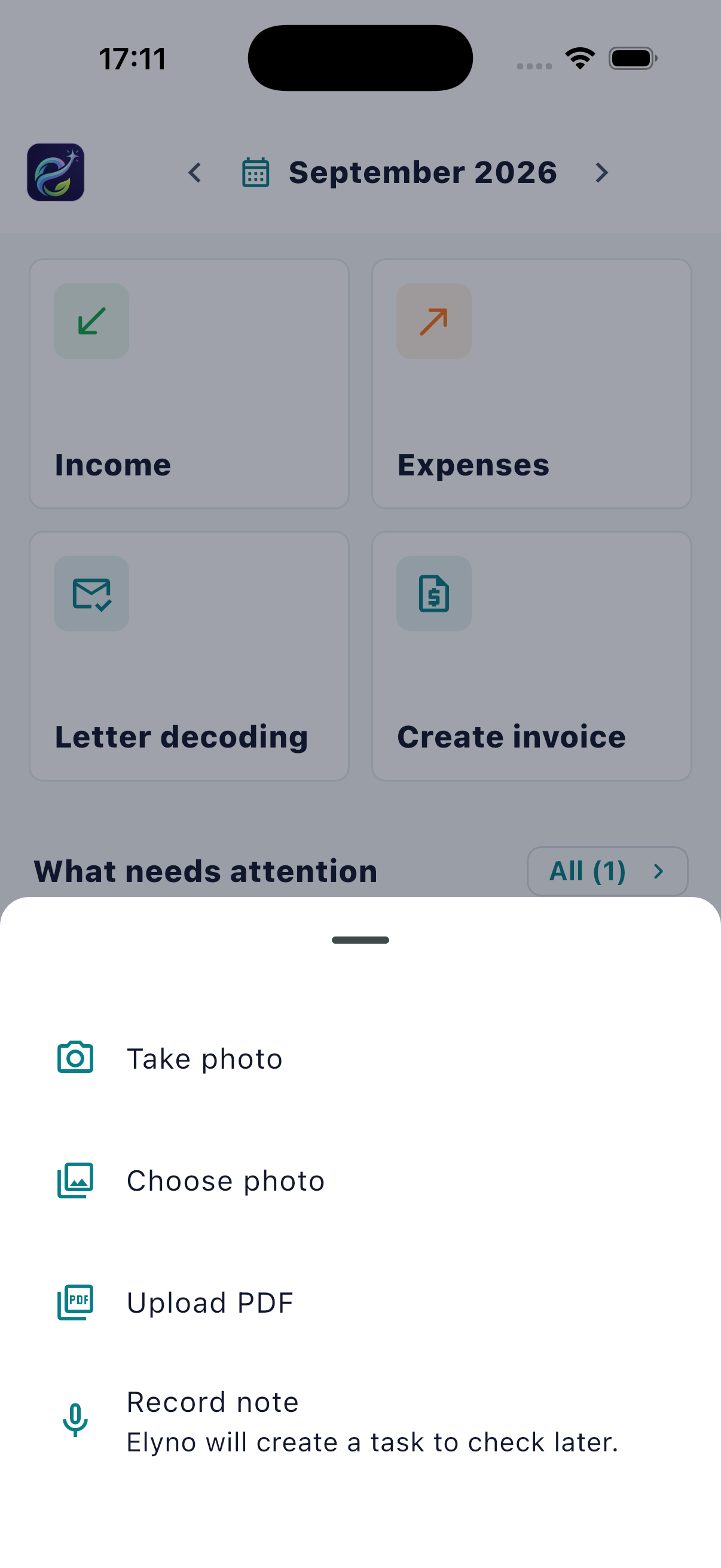
After recognition, check the type, date, amount and VAT before saving. Later, open the document and choose “Edit document data”. On upload, a warning appears only if the document month differs: confirming saves it in the selected month; cancelling saves nothing. The document date stays unchanged.
Document → Edit document data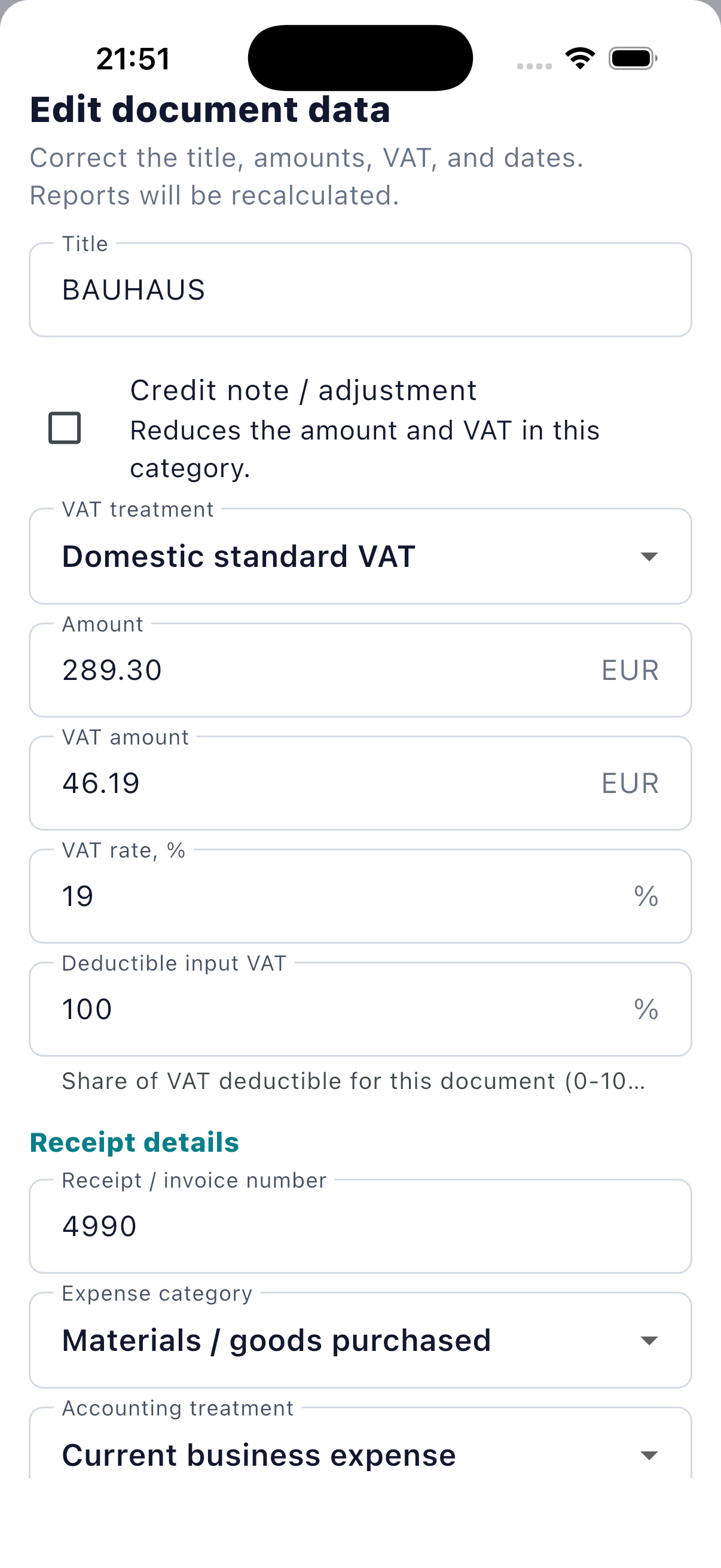
Your documents belong to your account. Access is protected, and Elyno shows when a result needs your review.
See what came in, what went out and the VAT connected to each document.
Understand a letter from a business or public authority, its deadline and the next safe action.
Create invoices and prepare monthly or yearly packages for your accountant or tax office.